

Working from home has changed how many Pennsylvania households use their living spaces. A spare bedroom, finished basement, or unused corner of the house can become a dedicated office, providing a comfortable place to work without commuting.
But a functional home office requires more than a desk and a reliable internet connection. Computers, monitors, printers, chargers, lighting, and other equipment all need convenient access to electricity. If the room was originally designed for another purpose, its existing electrical layout may not support the way you intend to use it.
Whether you are converting a spare bedroom or creating a permanent workspace as part of a larger renovation, electrical planning should be part of the process. Homeowners throughout Bucks County, including Newtown, Langhorne, Richboro, Washington Crossing, and Doylestown, can benefit from considering these needs before moving furniture and equipment into place.
A well-planned electrical setup can make your office more comfortable, organized, and practical for everyday work.
Start by Identifying Your Home Office Equipment
Before making changes to the room, take inventory of the equipment you expect to use. This will help determine where you need access to power and whether the existing electrical layout is suitable.
A basic home office may include a laptop, monitor, desk lamp, and phone charger. A more involved setup might include multiple monitors, a desktop computer, printer, speakers, external storage devices, and other electronics.
Consider Your Daily Equipment Needs
Think about which devices will remain plugged in throughout the day and which ones will be used occasionally. This distinction can help you plan receptacle locations and organize your workspace.
For example, a computer and monitor may need permanent connections near the desk, while a printer or occasional charging station may be positioned elsewhere.
Consider future equipment, too. If you expect to add another monitor, upgrade your computer, or introduce other devices, it is helpful to account for those possibilities during the initial planning process.
Don't Forget Lighting and Accessories
Home offices often include more than computer equipment. Desk lamps, task lighting, speakers, fans, and other accessories can all contribute to the room's electrical needs.
A thoughtful layout helps keep cords organized and prevents the workspace from becoming cluttered with extension cords and power strips.
Evaluate the Existing Receptacles
One of the most common challenges when converting a room into an office is discovering that the existing outlets are not where they are needed.
A bedroom may have been designed around a bed, dresser, and television rather than a desk with several electronic devices. A basement room may have even fewer convenient receptacles.
Plan Around the Desk Location
Start by deciding where the desk will go. Consider the location of the computer, monitors, printer, and other equipment, then determine whether the existing outlets provide convenient access.
If the desk will sit against a wall without nearby receptacles, you may need to consider adding outlets or changing the room's electrical layout.
The goal is to make power accessible without running cords across walkways or behind furniture in ways that make connections difficult to reach.
Consider Additional Receptacles
If the room has limited outlets, an electrician can evaluate whether additional receptacles can be installed.
The appropriate number and placement depend on the room, existing wiring, and how the space will be used. Adding outlets should be part of a planned electrical installation rather than an improvised solution.
Avoid Overreliance on Power Strips
Power strips can be useful for connecting several electronic devices in one location, but they should not be used as a substitute for adequate electrical capacity or properly placed receptacles.
Avoid connecting power strips to one another or using them to compensate for an electrical system that cannot support the equipment.
If you frequently need additional connections, it may be time to evaluate the room's electrical layout.
Lighting for a Productive Workspace
Lighting can have a significant effect on how comfortable a home office feels throughout the workday. A room that is too dim can be difficult to work in, while poorly positioned fixtures may create glare on computer screens.
A combination of general room lighting and task lighting can help create a more functional environment.
General Lighting
Start with the room's primary lighting. If the existing fixture does not adequately illuminate the space, consider whether an upgrade or additional fixtures would be appropriate.
The goal is to provide consistent illumination without relying entirely on a small desk lamp.
Task Lighting
A desk lamp or other focused light source can provide additional illumination for reading, writing, and working with printed materials.
Consider where the light will fall in relation to your computer screens and work surface. Positioning matters because direct glare can make the workspace less comfortable.
Natural Light and Fixture Placement
If your office has windows, think about how natural light changes throughout the day. A bright window behind a monitor may create reflections, while a window directly behind your chair may cause glare on video calls.
The placement of lighting fixtures should complement the room's layout rather than compete with its natural light.
Protect Your Equipment From Electrical Problems
Computers, monitors, external drives, and other electronics can represent a substantial investment. Homeowners should consider how their office equipment is connected and what protections are appropriate.
Understand Surge Protection
Power surges can occur for several reasons, including utility-related events and electrical disturbances within a home. Sensitive electronic equipment may benefit from appropriate surge protection.
A plug-in surge protector can provide a level of protection for connected devices, but it is important to understand that not all products offer the same capabilities.
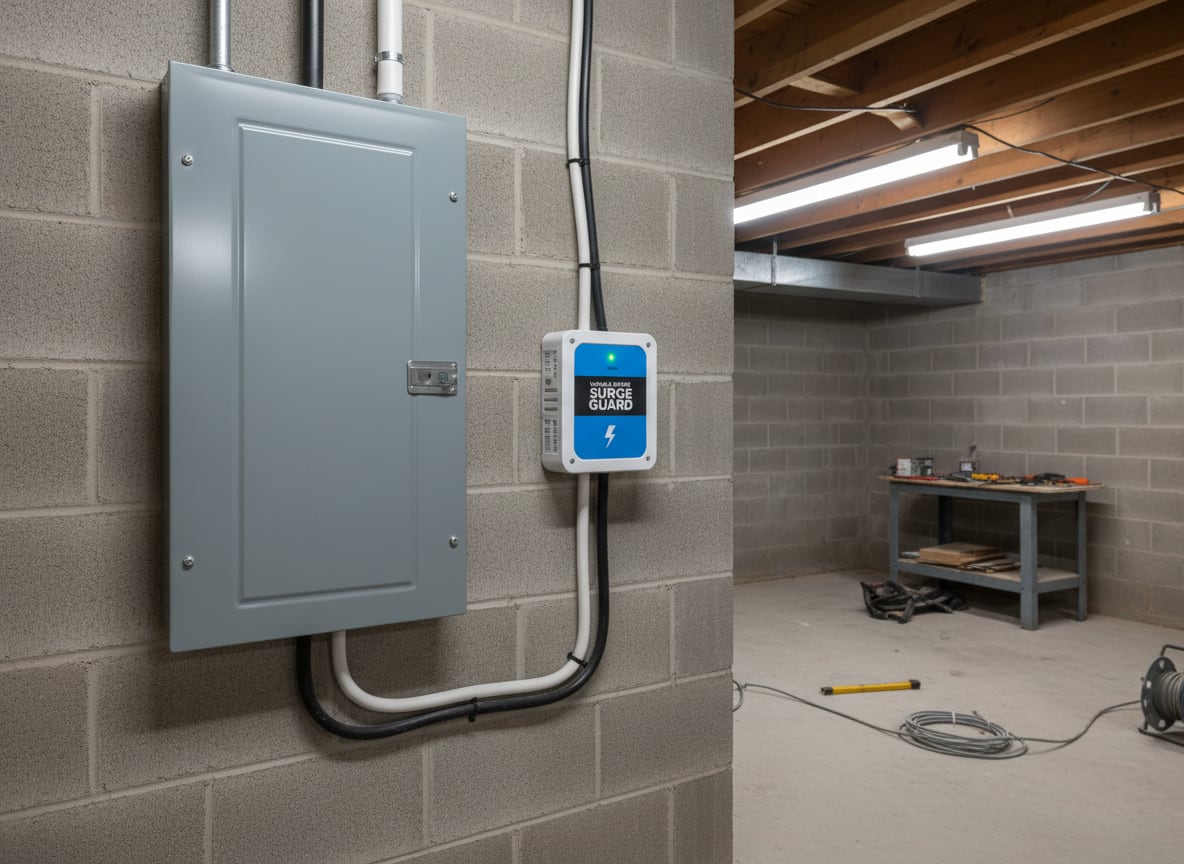
Homeowners may also want to discuss whole-home surge protection with an electrician. A professionally installed protective device can provide an additional layer of protection for equipment throughout the house.
The right approach depends on the home's existing electrical system and the equipment you want to protect.
Keep Electrical Connections Accessible
Avoid placing power strips, plugs, and connections where they can be crushed by furniture or damaged by foot traffic.
Keep cords organized and away from areas where they may become tangled or pulled. Electrical equipment should also have adequate ventilation rather than being crowded into enclosed spaces.
If you notice damaged cords, unusual heat, buzzing, or a burning smell near an electrical connection, stop using the affected equipment and arrange for professional evaluation.
Consider Dedicated Circuits for Larger Setups
Most home offices do not automatically require a dedicated electrical circuit. However, a larger workspace with multiple devices or equipment that draws substantial power may warrant a closer look.
An electrician can evaluate the existing circuits and determine whether they are appropriate for the expected electrical demand.
Evaluate What Else Shares the Circuit
The receptacles in a home office may be connected to a circuit that also serves other rooms or equipment. This can matter if the office contains several devices that operate simultaneously.
If a circuit frequently trips when equipment is in use, do not repeatedly reset the breaker without identifying the cause. The circuit, connected devices, and overall electrical demand should be evaluated.
Plan for Specialized Equipment
Some home offices include equipment beyond standard computers and printers. Examples might include specialized computer systems, servers, or other devices with particular electrical requirements.
If your setup includes equipment with manufacturer-specified power needs, share those details with your electrician. This helps determine whether the existing installation is suitable.
What About a Basement or Converted Room?
Many homeowners create offices in finished basements, converted bedrooms, or other spaces that were not originally designed for full-time work.
These projects may require more electrical planning than simply moving a desk into an existing room.
Basement Office Considerations
Basements can present additional challenges, including limited natural light, moisture concerns, and existing electrical layouts that may not match the intended use.
Before installing office equipment, make sure the space is suitable for regular occupancy and that any moisture problems have been addressed.
If the basement is being finished or renovated, plan receptacle and lighting locations before walls and ceilings are closed. It is much easier to coordinate electrical work during construction than to make changes after the room is complete.
Converting a Spare Bedroom
A spare bedroom may already have a useful electrical layout, but it may still need adjustments for a permanent office.
Consider whether the desk location provides convenient power, whether the lighting is sufficient, and whether additional receptacles would make the room easier to use.
If the room will serve multiple purposes, such as a guest bedroom and office, plan the electrical arrangement around both uses.
Pennsylvania Permits and Electrical Work
Electrical modifications associated with a home office may be subject to Pennsylvania's Uniform Construction Code and local permitting requirements. The applicable requirements depend on the municipality and the type and scope of work.
Homeowners should confirm what applies before beginning electrical alterations. This is especially important when the office is part of a larger basement finishing project, room conversion, or renovation.
A qualified electrician can help identify the work involved and coordinate with the appropriate local requirements.
Build a Workspace That Supports Your Routine
A home office should make working from home more convenient, not create a daily struggle with outlets, cords, and inadequate lighting.
By considering your equipment, desk placement, lighting, and electrical demand before setting up the room, you can create a workspace that is more comfortable and practical.
If your existing electrical layout does not meet your needs, a professional evaluation can help determine whether additional receptacles, lighting changes, or other improvements are appropriate.
Thomas Edison Electric works with residential clients throughout Pennsylvania, including Bucks County communities such as Newtown, Langhorne, Richboro, Washington Crossing, and Doylestown. If you are creating a home office or renovating an existing workspace, our team can help assess the electrical setup and discuss potential improvements.
Whether you need a few additional outlets or a more involved electrical update, planning ahead can help make your home office a better place to work.
Talk to an electrician
800.380.6800Available 24/7, including weekends.
Schedule Now- Same-day appointments
- Upfront, honest pricing
- Licensed and insured
Found this helpful?